Everyone watches the bootcamp. Almost nobody can answer for it in an interview.
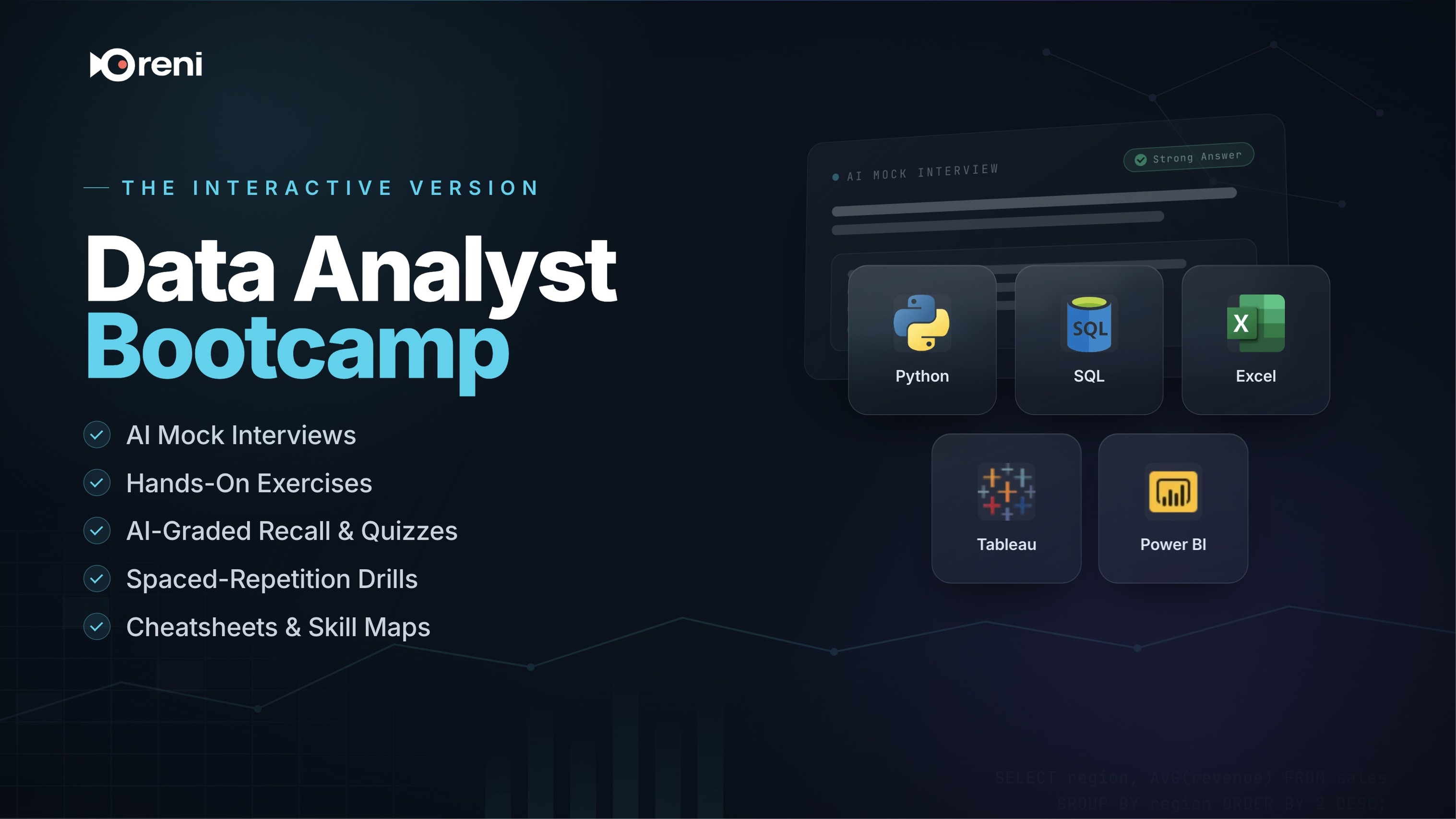
Alex Freberg's Data Analyst Bootcamp is free on YouTube and covers everything — tools, portfolio, resume, interview prep. What it can't do is ask you a question and tell you whether your answer was any good. That's what this is: hands-on exercises, open-ended answers graded by AI, mock-interview practice, and spaced-repetition drills so it's still there on interview day. Watch the videos free. Practise here until you're ready.
Built on the CC-licensed Data Analyst Bootcamp by Alex Freberg — watch the original.
Alex's own platform prices individual modules at $34–44 each. Here, every topic — interactive — is included with your Oreni account.
Free with any Oreni account. No card required.
Alex's own platform prices individual modules at $34–44 each. Here, every topic — interactive — is included with your Oreni account.
Free with any Oreni account. No card required.
Built for the part after the learning
The bootcamp already covers portfolio projects, your resume, and LinkedIn. We added the missing piece: practice you can fail at safely. Answer open-ended questions the way you'd answer them in a real interview, get graded, see a reference answer, and drill the gaps with flashcards until they close.
What you’ll learn
- Write SQL queries to extract, clean, and analyze data from databases
- Build dashboards and reports using Excel, Tableau, and Power BI
- Use Python with the Pandas library to manipulate and visualize complex datasets
- Complete multiple guided projects to build a professional data analyst portfolio
- Gain foundational knowledge of cloud data services in Azure and AWS
- Prepare for job applications with resume guidance and interview practice
The same skills, a different price class
This one is free with an Oreni account.
Typical 2026 pricing, shown as ranges — not exact quotes from any single provider.
A playlist teaches. This proves you learned it.
Every feature below ladders up to one question: can you actually do the job and pass the interview.
Already know SQL?
Take the skill test, skip what you've mastered, and study only what you're missing. A 30-hour video can't do that.
AI-graded mock interviews
Answer real interview questions in writing — AI grades you and hands back a reference answer.
Active recall
Open-ended questions after every lesson, AI-graded, with follow-ups when you're shaky.
Quizzes
Retake any quiz, review your mistakes, and keep your best score.
Hands-on exercises
Checklist tasks with an expected-outcome reveal, so you know the moment you got it right.
Spaced-repetition flashcards
FSRS-scheduled review with a live due-count — it only resurfaces cards right before you'd forget them.
Skill mindmap
See how every concept in the course connects — not a syllabus, a map.
Cheatsheets
Searchable, copyable, downloadable — a reference you keep using after you finish.
Timestamped notes
Pin a note to the exact video moment, jump straight back to it later.
Progress + resume
Every topic tracked — close the tab, come back next week, pick up exactly where you left off.
Real demand, not hype
~23%
projected growth for data-analyst roles, 2023–2033 — BLS calls that “much faster than average”
~108,000
new roles projected over the decade
$82K–$87K
US median base pay; entry-level typically ~$58K–$75K in most metros
SQL · Excel · Python · Power BI · Tableau
the most-requested skills — exactly what this course covers
Source: U.S. Bureau of Labor Statistics 2023–2033 occupational projections and market pay-range estimates, as of 2026. Not an income or placement guarantee.
Inside the course
13 milestones, 104 lessons, ~27 hours of video. Every lesson comes with hands-on tasks and active-recall checks — you practise it, not just watch it.
Begin your journey by understanding the structure of this data analyst bootcamp and the overall career path for a data analyst.
- Data Analyst Bootcamp Overview
- The Path to Becoming a Data Analyst
- What is Data?
- What are Data Types?
- What are File Types?
- What is Data Collection?
- What is Data Cleaning?
- What are KPIs and Metrics? | Data Fundamental for Beginners
Learn the fundamentals of database management and querying with SQL. Start with installation and basic statements, progress to advanced techniques like joins and window functions, and apply your skills in data cleaning and exploratory analysis projects.
- Installing MySQL and Creating Databases
- Using the Select Statement in MySQL
- Using the Where Clause in MySQL
- Using Group By and Order By in MySQL
- Comparing Having vs. Where in MySQL
- Using Limit and Aliasing in MySQL
- Performing Joins in MySQL
- Using Unions in MySQL
- Using String Functions in MySQL
- Using Case Statements in MySQL
- Writing Subqueries in MySQL
- Using Window Functions in MySQL
- Using Common Table Expressions (CTEs) in MySQL
- Creating Temp Tables in MySQL
- Creating Stored Procedures in MySQL
- Using Triggers and Events in MySQL
- Project: Data Cleaning in MySQL
- Project: Exploratory Data Analysis in MySQL
Master essential Excel skills for data analysis. You'll work with pivot tables, formulas, and advanced lookups, and learn techniques for data cleaning, conditional formatting, and creating effective charts, culminating in a complete project.
- Creating Pivot Tables in Excel
- Using Formulas in Excel
- Using XLOOKUP in Excel
- Applying Conditional Formatting in Excel
- Creating Charts in Excel
- Techniques for Cleaning Data in Excel
- Full Data Analysis Project in Excel
Develop your data visualization capabilities using Tableau. This section covers installation, creating calculated fields, building various visualizations, and joining data sources to build a comprehensive beginner project.
- Installing Tableau and Creating a Visualization
- Using Calculated Fields and Bins in Tableau
- Creating Visualizations in Tableau
- Using Joins in Tableau
- Full Beginner Project in Tableau
Dive into Microsoft Power BI to transform raw data into actionable insights. Explore Power Query for data transformation, manage data relationships, use DAX for calculations, and build a full guided project with powerful visualizations.
- Installing Power BI and Building a Visualization
- Using Power Query in Power BI
- Creating and Managing Relationships in Power BI
- Using DAX in Power BI
- Using Drill Down in Power BI
- Applying Conditional Formatting in Power BI
- Using Bins and Lists in Power BI
- Creating Popular Visualizations in Power BI
- Full Guided Project in Power BI
Build a strong foundation in Python programming for data analysis. You'll cover core concepts from variables and data types to loops and functions, then apply them to build your first two Python projects.
- Installing Jupyter Notebooks with Anaconda
- Understanding Variables in Python
- Working with Data Types in Python
- Comparison, Logical, and Membership Operators in Python
- Using If/Else Statements in Python
- Using For Loops in Python
- Using While Loops in Python
- Creating Functions in Python
- Converting Data Types in Python
- Project: Building a BMI Calculator with Python
- Project: Building an Automated File Sorter with Python
Use Python's powerful libraries to acquire and manipulate data. Learn web scraping techniques to gather data from websites, then use the Pandas library for in-depth data cleaning, transformation, and exploratory analysis, culminating in portfolio-ready projects.
- Inspecting Web Pages with HTML for Web Scraping
- Web Scraping with BeautifulSoup and Requests
- Using find() and find_all() in BeautifulSoup
- Project: Scraping Data from a Real Website
- Reading Files in Pandas
- Filtering Columns and Rows in Pandas
- Working with Indexes in Pandas
- Using Group By and Aggregate Functions in Pandas
- Merging DataFrames in Pandas
- Creating Visualizations with the Pandas Library
- Project: Data Cleaning in Pandas
- Project: Exploratory Data Analysis in Pandas
- Portfolio Project: Amazon Web Scraping Using Python
- Portfolio Project: Automating Crypto Website API Pulls
Prepare for the job market by building your professional presence and honing your interview skills. Create a portfolio website, craft the perfect resume, and practice solving SQL interview questions of increasing difficulty.
- Creating a Data Analyst Portfolio Website
- Crafting the Perfect Data Analyst Resume
- Solving Easy SQL Interview Questions
- Solving Medium SQL Interview Questions
- Solving Hard SQL Interview Questions
- Solving Very Hard SQL Interview Questions
Gain an introduction to essential cloud data services on both Azure and AWS. You will learn about data storage, database management, data integration, and analytics tools in the cloud, providing a foundation in modern data architecture.
- Azure Account Setup and Free Credits
- Using Blob Storage and Storage Accounts in Azure
- Using Azure SQL Databases
- Getting Started with Azure Data Factory
- Getting Started with Azure Synapse Analytics
- AWS Account Setup and UI Walkthrough
- Using S3 Storage in AWS
- Using Amazon Athena in AWS
- Using AWS Glue DataBrew and Glue
- Using AWS Quicksight
- Intro to Databricks (Free Edition) | UI Walkthrough
- Working with Data in Databricks (Free Edition)
- Analyzing Data with SQL and Visualizations in Databricks
- Genie and AI in Databricks
- Building an End-to-End Data Project in Databricks (Free Edition)
- Basics of R | Environment, Variables, Data Types
- Installing R and R Studio
- How to Remove Duplicates in an R Dataframe
- Grouping and Aggregating Data in R
- Standardizing and Parsing Dates in R using Lubridate
- Handling Missing Data in R
- Filtering and Ordering Data in R
- Reading and Writing Files in R
- Operators in R
Complete your bootcamp journey with final career advice. Learn how to leverage LinkedIn for job searching and find out how to receive your data analyst bootcamp certification.
- Using LinkedIn to Land a Job
- Downloading Your Bootcamp Certification
Start learning today
Free with an Oreni account. Create one and pick up where you left off on any device.
Free with any Oreni account. No card required.